What a Website Template Still Leaves You to Do
A template can be a smart start. Here is the positioning, copy, structure, imagery, and ongoing work a small-business owner still has to handle.
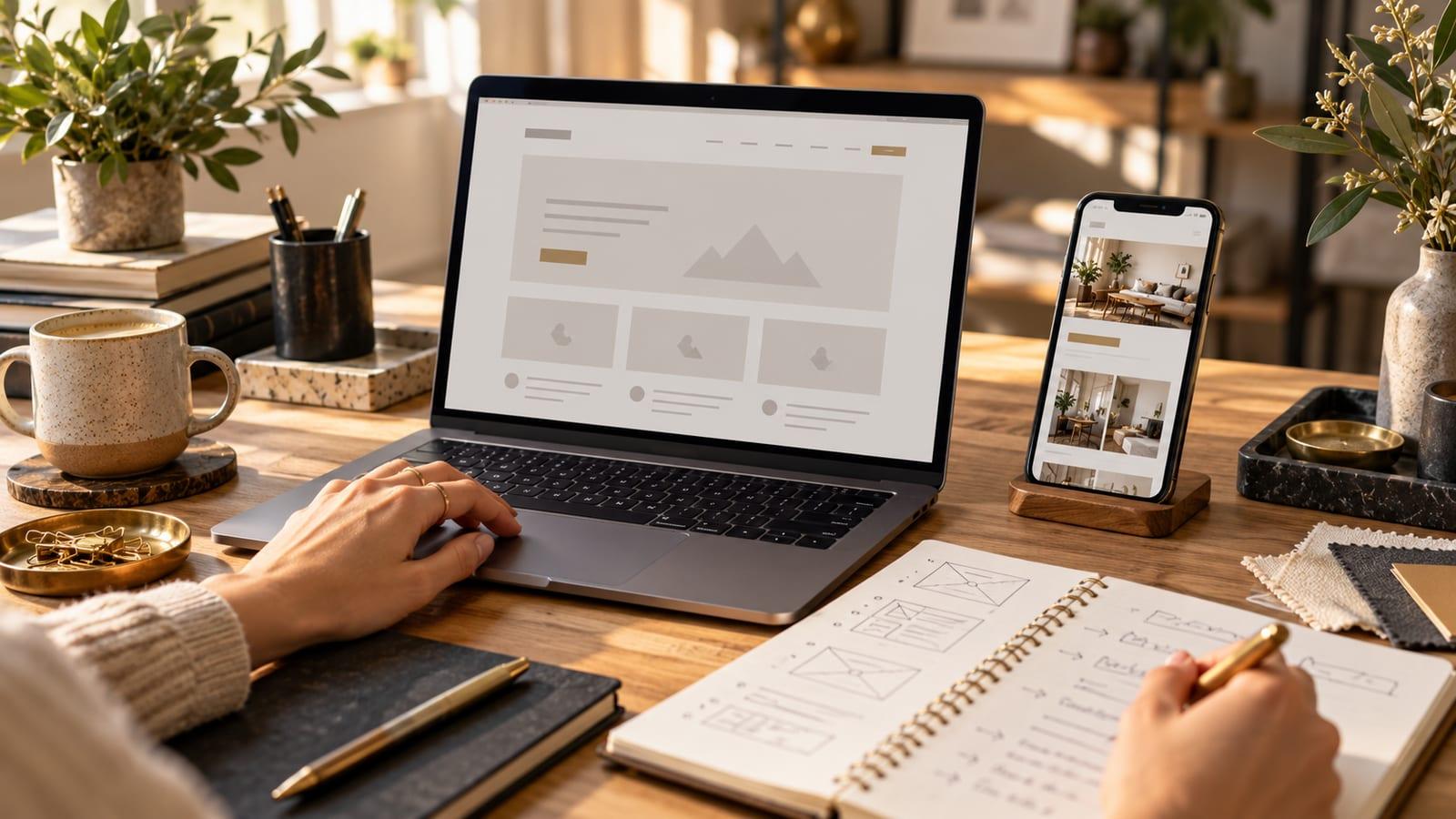
A template solves a real problem. You get a layout, a set of components, and a way to put a site online without commissioning a custom build. If you have a simple offer, time to write, and someone comfortable maintaining the site, that may be exactly enough.
The mistake is treating the template as the finished website. A $30–$50 template, where that price applies, buys a starting design. It does not write your argument, decide which customer matters most, or tell a visitor what to do next. Hosting, a platform subscription, domains, extensions, and your own time can be separate costs. Prices and inclusions vary by provider.
The decisions still belong to you
Start with the first screen. What does your business do, who is it for, and why should that person keep reading? A template often arrives with beautiful placeholder copy. Replacing “Transform your future” with your actual service, location, and next step is the harder work.
Then decide the page structure. A therapy practice needs visitors to understand specialties and feel comfortable taking a first step. An HVAC company needs a homeowner with a broken system to find repair help quickly, while someone shopping for a replacement needs a different path. An aesthetic clinic may need to help someone compare treatments before asking them to book.
You can see those decisions in three live design concepts. The therapy concept introduces specialties and the practitioner before the consultation link. The HVAC concept separates repairs, installations, and maintenance. The aesthetic clinic concept uses a treatment atlas to guide a visitor toward the relevant option. These are concepts, not client case studies or performance claims.
Try the same exercise with your own business before choosing a layout. Write down two people who might arrive at your site and the question each brings. A first-time therapy client may ask whether the practitioner works with their concern and what a first appointment involves. Someone referred to the same practice may already trust the practitioner and just need scheduling details. One generic “About us” page can answer both, but it needs deliberate ordering and clear links. The template cannot know which question to place first.
Copy often reveals the real gaps. If you struggle to finish the sentence “We help ___ with ___,” that is useful information. You may need to clarify your offer before polishing the design. It is much easier to change a sentence in a document than to force a vague offer into a finished homepage. For more on that distinction, read why a redesign should start with a diagnosis.
Mobile is more than shrinking the desktop page
On a phone, a long heading can bury the only useful button. A navigation menu can cover the screen. A form can become painful to finish. Your template may be responsive, but you still have to check the real words, images, and forms on small screens. A layout that looks polished with sample content can behave very differently with a genuine service description.
Imagery is another decision. A generic smiling team photo may fill the slot, yet tell the customer nothing about your practice or service. Use real photos when you have them. If you do not, choose visuals that support the page's point and describe them accurately. The image should help a visitor understand the offer, not merely occupy space.
Check the page with the actual content at three moments: when it first loads, halfway down, and when someone reaches the contact option. Can a visitor tell what you offer without zooming? Is the button easy to tap? Do service names wrap cleanly? Can the form be completed with a thumb and a keyboard? These checks are ordinary, but they are where a reassuring desktop preview turns into a usable business site.
Finally, connect the pages. If someone arrives from an ad about emergency repair, does the destination confirm emergency repair? If a referral wants to know whether you serve their area, can they find that answer quickly? A clear call to action should follow the information the visitor came to find. The site needs edits as services, availability, and offers change. I wrote more about this ongoing role in why a website is part of the sales process.
Account for the work after launch
Imagine you add a new service six months later. Someone has to decide whether it belongs in the main navigation, which existing page should mention it, whether the form needs a new option, and whether older copy now contradicts the offer. A template gives you an editing interface. It does not make those decisions or keep the pages consistent for you.
Ask who will own that work. If it is you, set aside time for a simple monthly review: test the contact path, check that hours and service areas are current, and read the site as a new customer would. If it is a designer or developer, find out what changes are included, how requests are handled, and what happens if you leave the arrangement. Those answers are part of the cost comparison.
When DIY makes sense, and when help earns its place
Build it yourself if your offer is straightforward, your budget is tight, and you have time to make and revisit these decisions. A live, clear template site can serve a business better than a custom site delayed indefinitely.
Managed custom work is worth considering when the site must explain several services, guide different types of visitors, or connect tightly to how you sell. Adrocity's current website service lists a custom build at $0 upfront and $129 per month, including design, development, hosting, and ongoing support. Check the current pricing page for the full scope and terms. That is a different kind of purchase from a template or platform plan: you are paying for someone to make and maintain the decisions with you.
There is no fair comparison that uses only the first invoice. Put the actual tasks in two columns: writing and revising copy, preparing photos, building the pages, checking mobile, connecting the domain, keeping the site online, and making later edits. Decide which tasks you enjoy and which ones keep slipping to the bottom of the list. The right option depends as much on your time and tolerance for maintenance as on the initial spend.
Before choosing either route, write down the three questions your best customer asks before contacting you. If your planned pages answer them plainly and make the next step obvious, you have a useful brief. If you want help turning that brief into a site, tell me about the business.